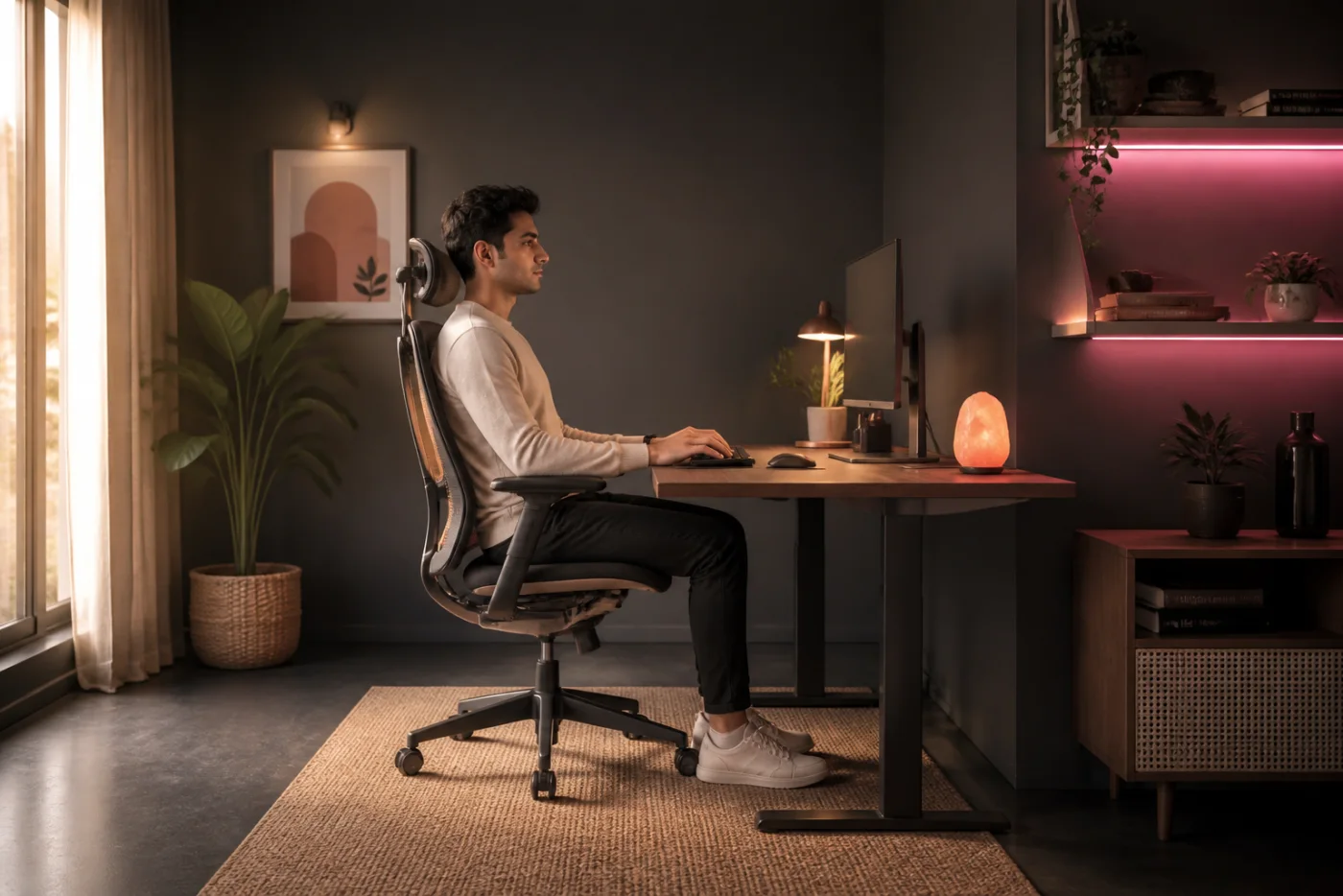
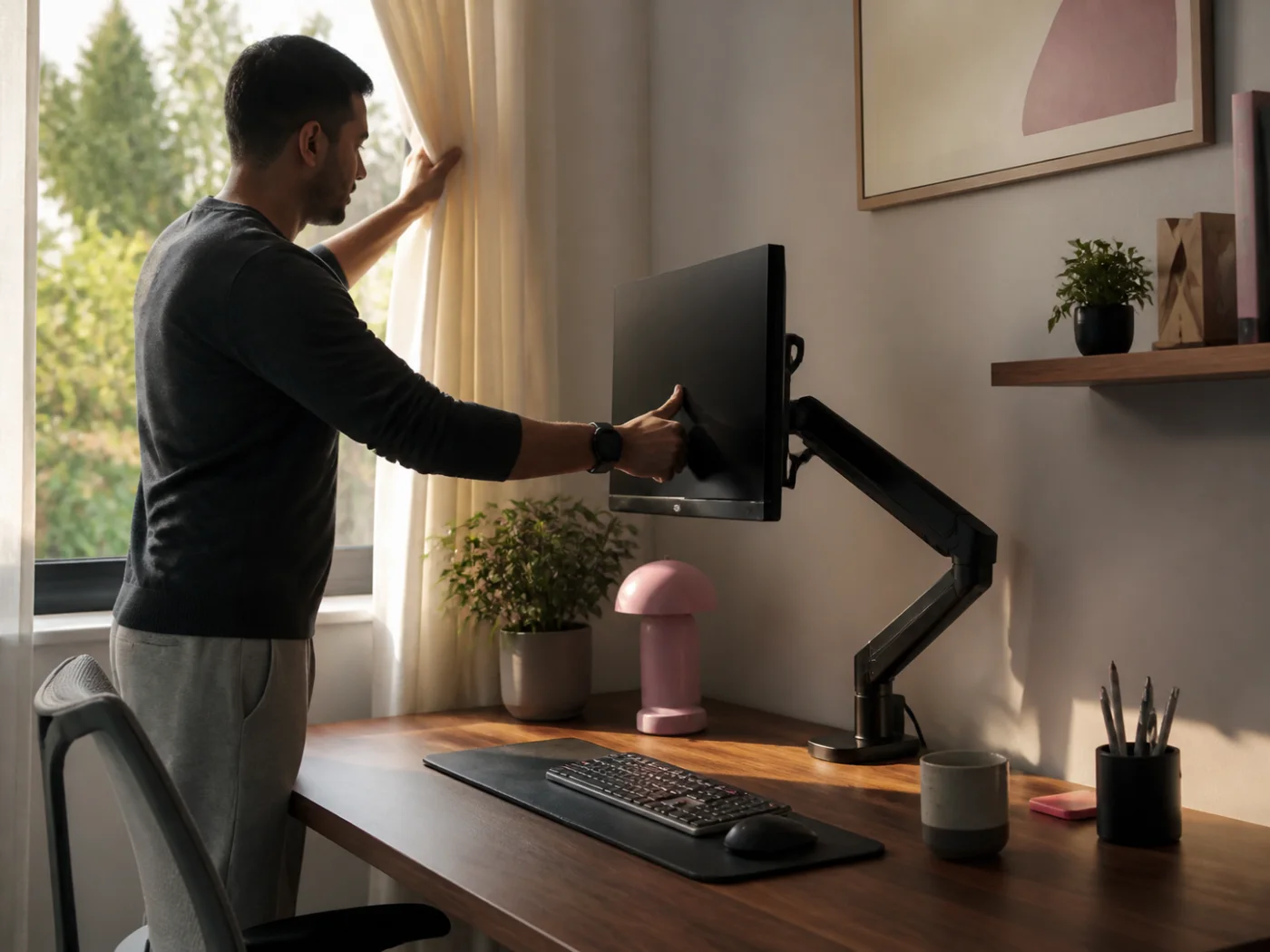
Indian professional sitting in a neutral posture at a warm home office
01
02
Neutral posture studyWarm home office · India

A two-minute desk reset

Make Your Desk
Feel Better

Ergonomic habits work best when they fit real routines, not perfect studio setups. In Indian homes, one desk may support morning classes, office calls, creative work, and evening gaming. Begin by raising your screen until your gaze feels level, then bring the keyboard and mouse close enough that elbows stay beside you. Keep wrists straight instead of resting them on a hard edge while typing. Relax your shoulders, place both feet securely, and change position before stiffness builds. Small adjustments often matter more than expensive furniture: a monitor arm can release space, a wide mat can soften contact, and a compact keyboard can shorten the reach to your mouse. Use this check whenever tasks change. Comfort is not a frozen pose; it is a setup that makes frequent movement possible.

Desk Comfort Score0/ 100
0%

Start with the easiest adjustment. Your score updates as you check each habit.

02 · Ergonomic routine strip

Comfort changes
with the hour.

Scroll the routine
Morning monitor adjustment07:45
Morning setup

RiseArm Monitor Mount

Raise the screen before opening daily messages, then centre it with your chair. RiseArm creates clear space below for a notebook, helping your first hour begin with level vision, relaxed shoulders, and less desktop crowding.

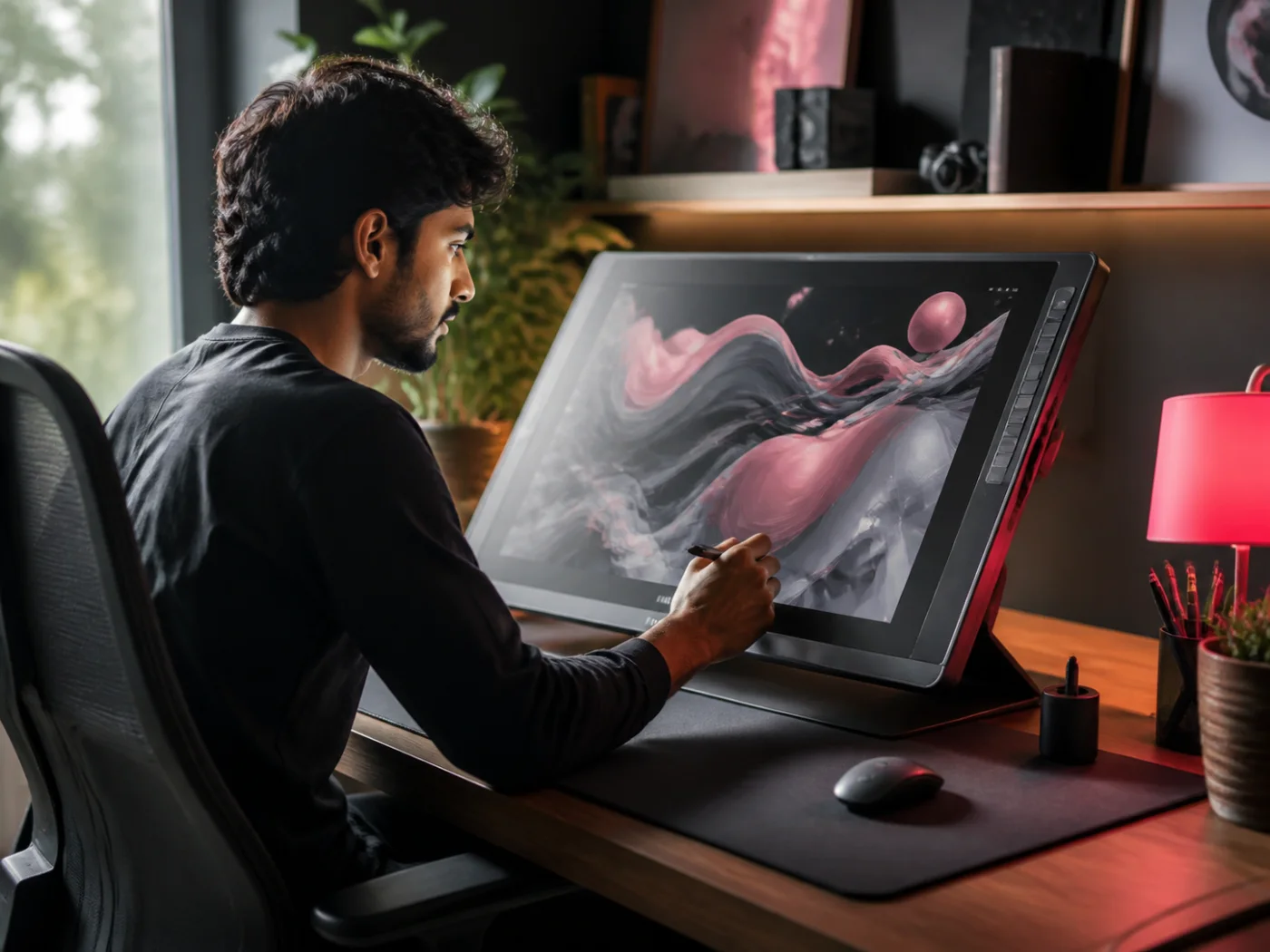
Designer during focused work10:30
Deep work

GripLite Mouse

Bring GripLite beside the keyboard before a long focus block. Its easy reach reduces repeated shoulder movement, while the supportive shape encourages a lighter hold during detailed client spreadsheets, drawing, editing, or sustained research work.

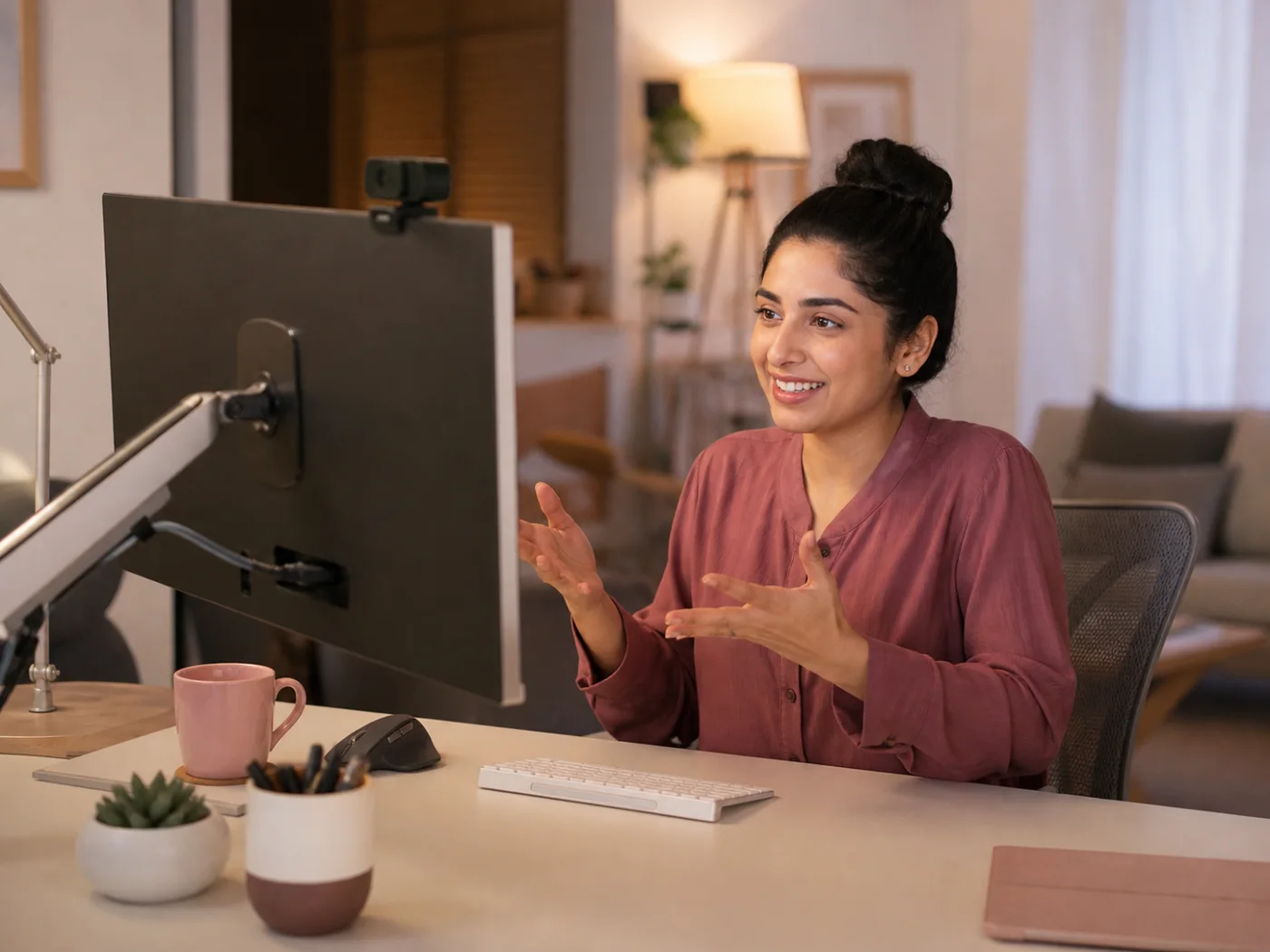
Professional on a comfortable video call14:00
Call mode

Sutraboard Mechanical

Slide Sutraboard centrally for notes and shortcuts while work calls occupy the screen. Its compact width keeps the mouse nearby, leaving elbows closer to your body and preserving space for water, notebooks, or quick sketches.

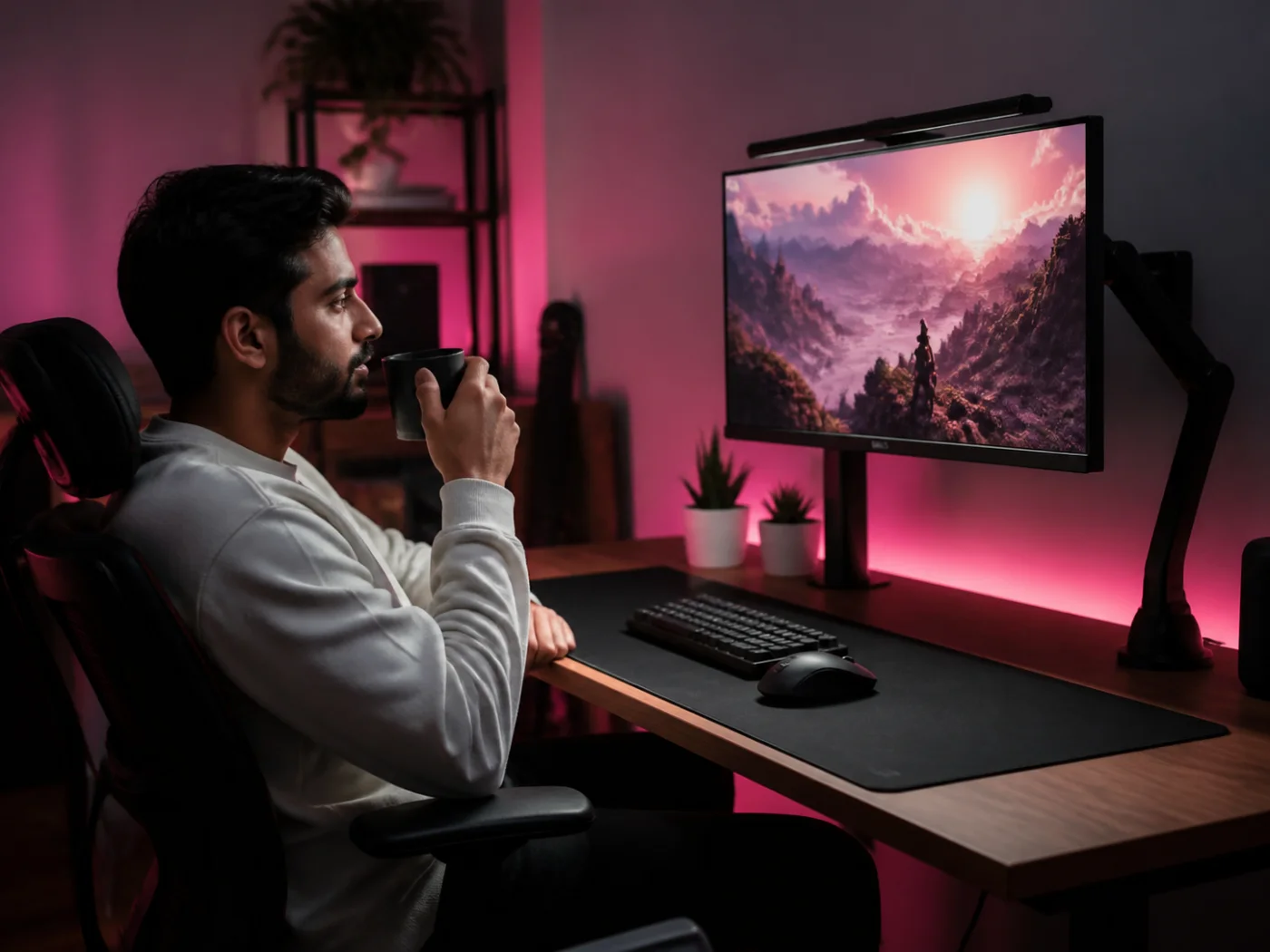
Relaxed evening gaming setup18:40
Gaming break

FocusPad XXL

Reset mouse sensitivity and let FocusPad support both forearms as work shifts into play. Its generous surface keeps movements consistent, protects the desk edge, and makes switching between precise control and wider gestures feel natural.

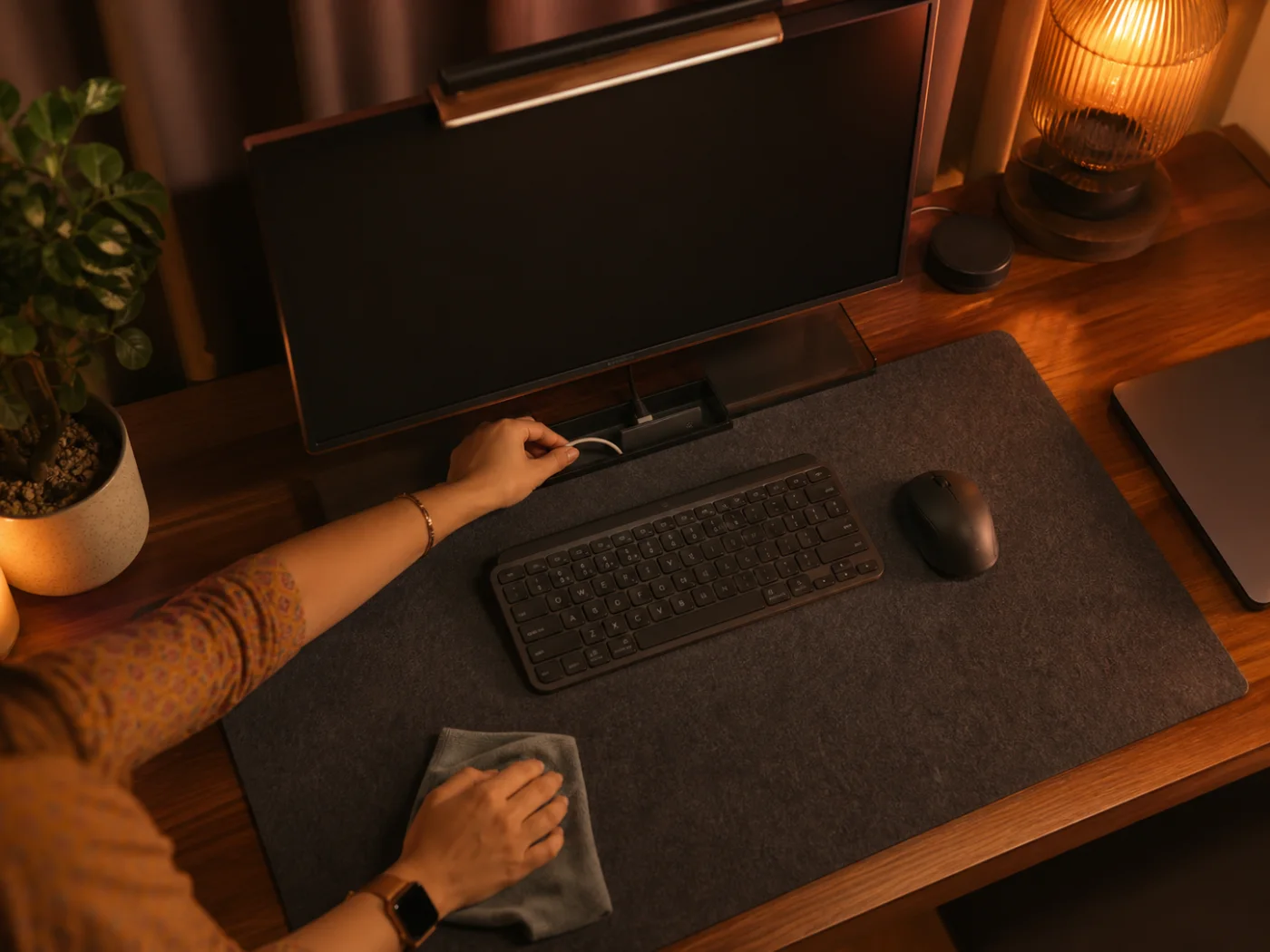
Hands tidying a desk at shutdown21:15
Shutdown reset

Cable Loop Set

Return charging lines to their loops, centre tomorrow’s keyboard, and clear the mat before leaving. A simple one-minute reset prevents cable reach and clutter from dictating your posture when study, work, or play begins again.

03 · Desk comfort kits

A simpler
prescription.

Three practical combinations built around the adjustment you want to make first.

Rx · 01
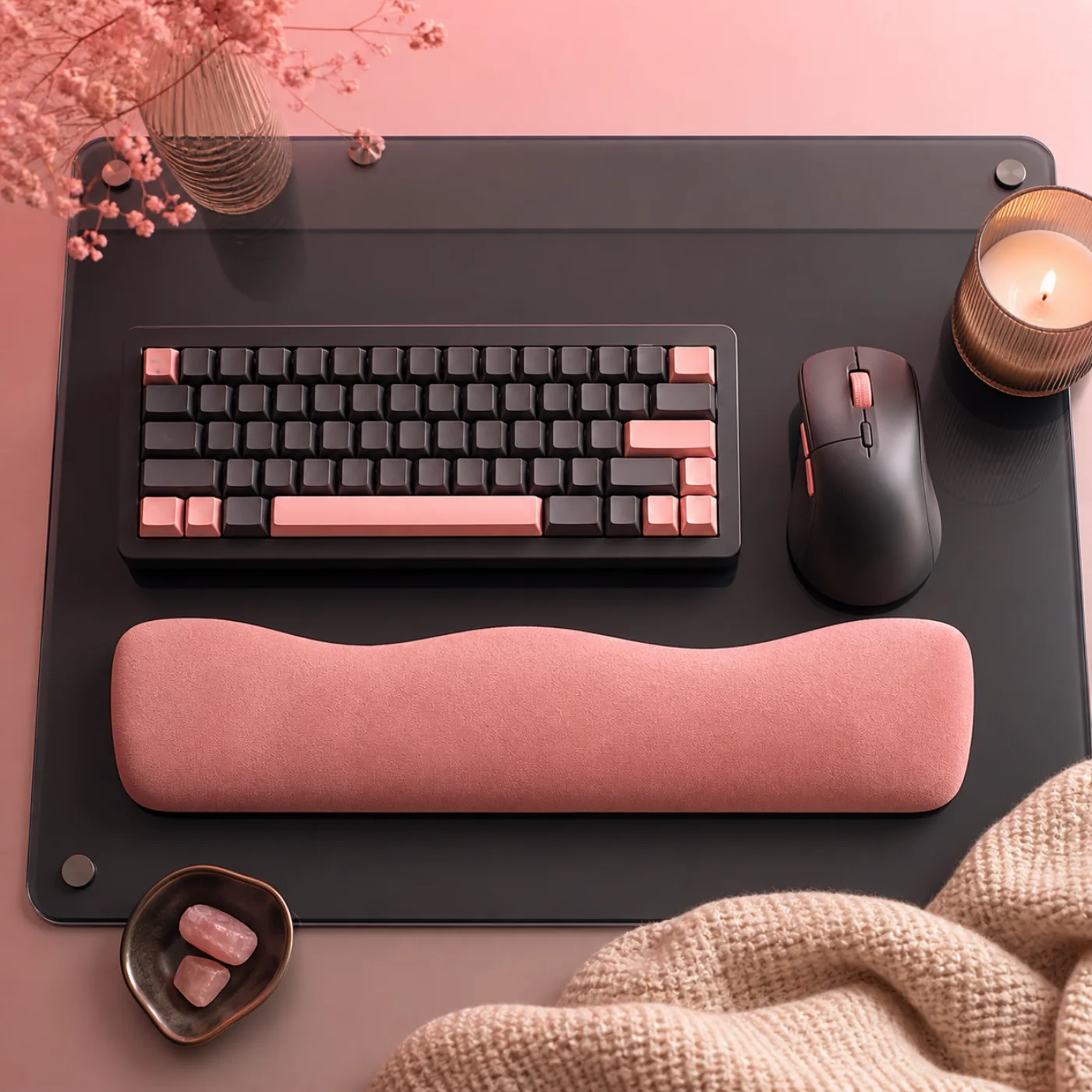
Wrist Relief Kit with keyboard, mouse, and support
Best for · Typing-heavy days

Wrist Relief Kit

2,499 INR
  • GripLite Mouse
  • Soft wrist support
  • Desk alignment card
Rx · 02
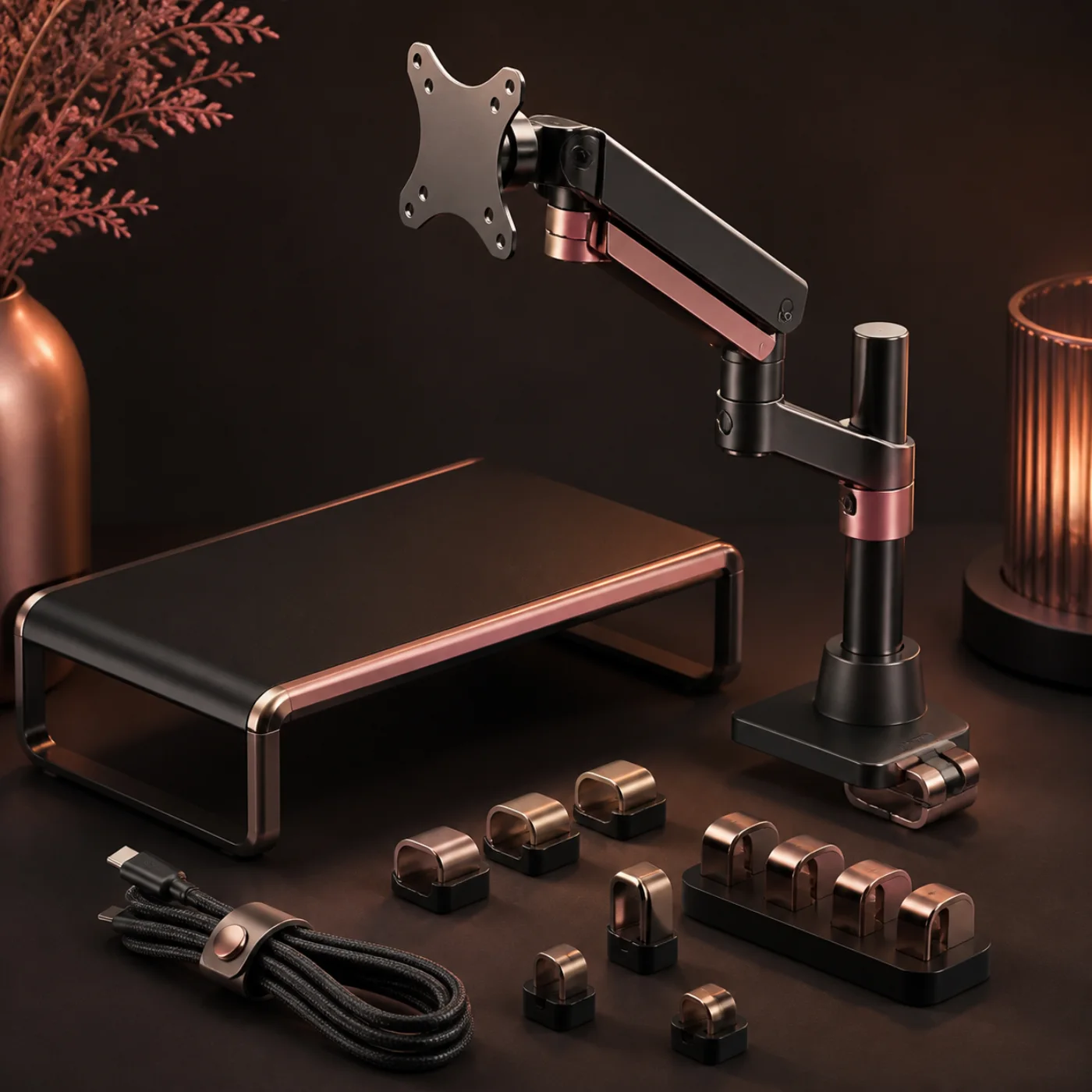
Screen Height Kit with monitor arm and cable clips
Best for · Laptop and call setups

Screen Height Kit

3,499 INR
  • RiseArm Monitor Mount
  • Compact riser shelf
  • Cable clip set
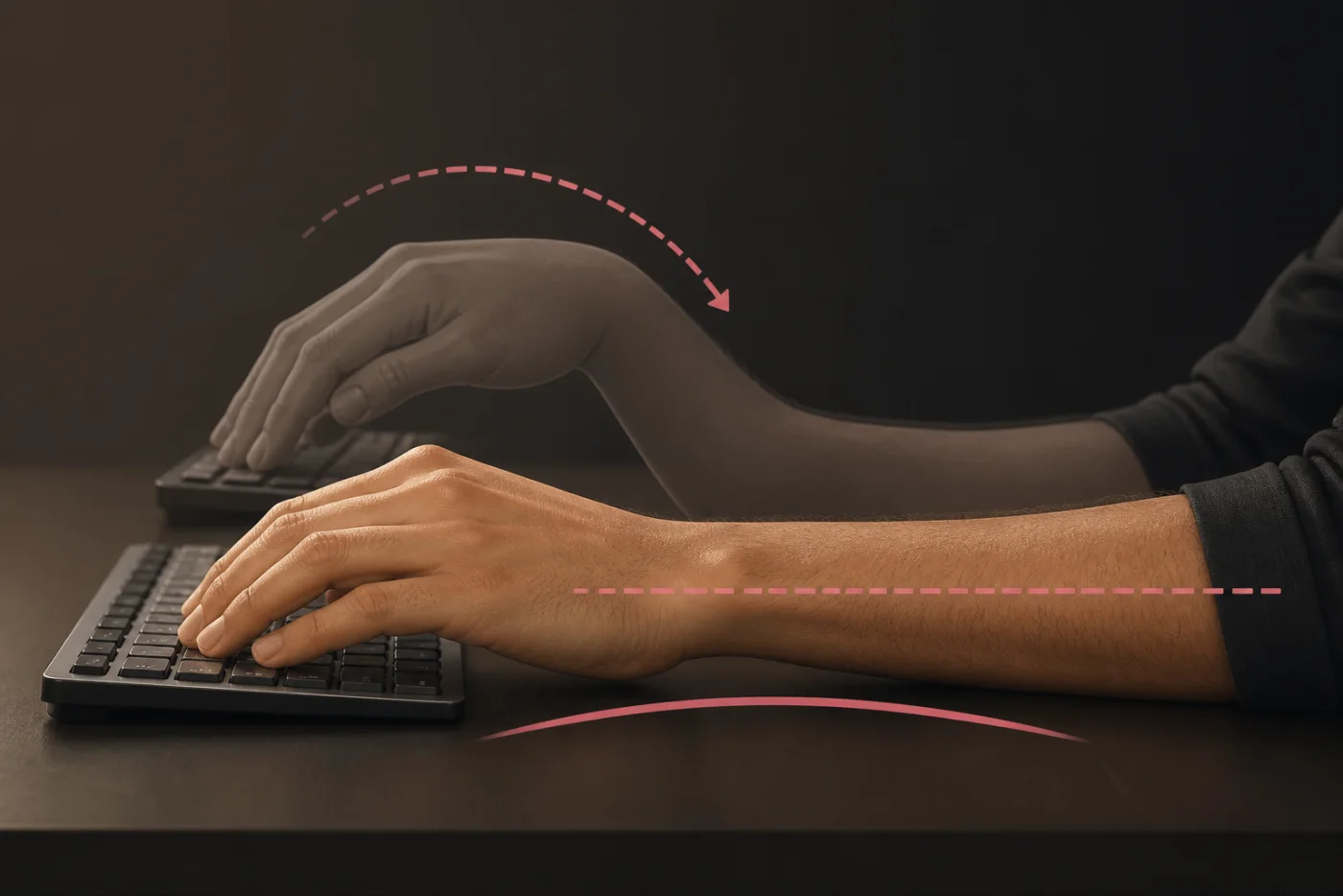
Illustration comparing bent and neutral wrist positions
Posture note 04Neutral is a direction,
not a rigid pose.

04 · Long-form guide

How to Reduce Wrist Strain While Working?

Wrist comfort begins with alignment, not a special pose. Sit close enough that elbows remain beside your torso and forearms travel forward without reaching. Place the keyboard low enough for shoulders to stay relaxed. Your hands should continue the line of your forearms rather than bending upward over a tall keyboard edge.

Next, reduce unnecessary movement. A compact keyboard brings the mouse inward, and a stable mat gives both devices a consistent surface. Move the mouse from your arm instead of repeatedly twisting only the wrist. Use a light grip and increase pointer speed if large movements feel tiring. Shortcuts can also reduce repeated clicking during editing, spreadsheets, or study.

Support helps most during pauses. A soft rest can meet the heel of the palm between typing bursts, but avoid pressing the wrist directly onto a hard edge while keys are active. Keep frequently used tools within easy reach, then change position every thirty to forty-five minutes. Open and close your hands, lower your arms, and look away from the screen.

Discomfort is information. Review desk height, workload, and technique before buying more equipment. If pain is persistent, worsening, causes numbness, or interrupts sleep, seek guidance from a qualified healthcare professional. Ergonomic accessories can support healthier habits, but they do not diagnose or treat medical conditions. Aim for variety, gentle effort, and a setup you can reset as tasks change.

Finally, notice how tasks change your hands. Drawing, coding, writing, and gaming use distinct rhythms, so retune keyboard angle, mouse distance, and breaks instead of preserving one arrangement all day.
  1. 01

    Bring tools closer. Keep elbows near your sides.

  2. 02

    Level the wrist. Match hands to forearms.

  3. 03

    Lighten the grip. Let the device do the work.

  4. 04

    Pause before pain. Reset every 30–45 minutes.

  5. 05

    Escalate symptoms. Get professional advice when needed.

Save the wrist checklist

05 · Community desk scores

Three desks.
Measured changes.

Anonymous setup audits, focused on practical adjustments rather than star ratings.

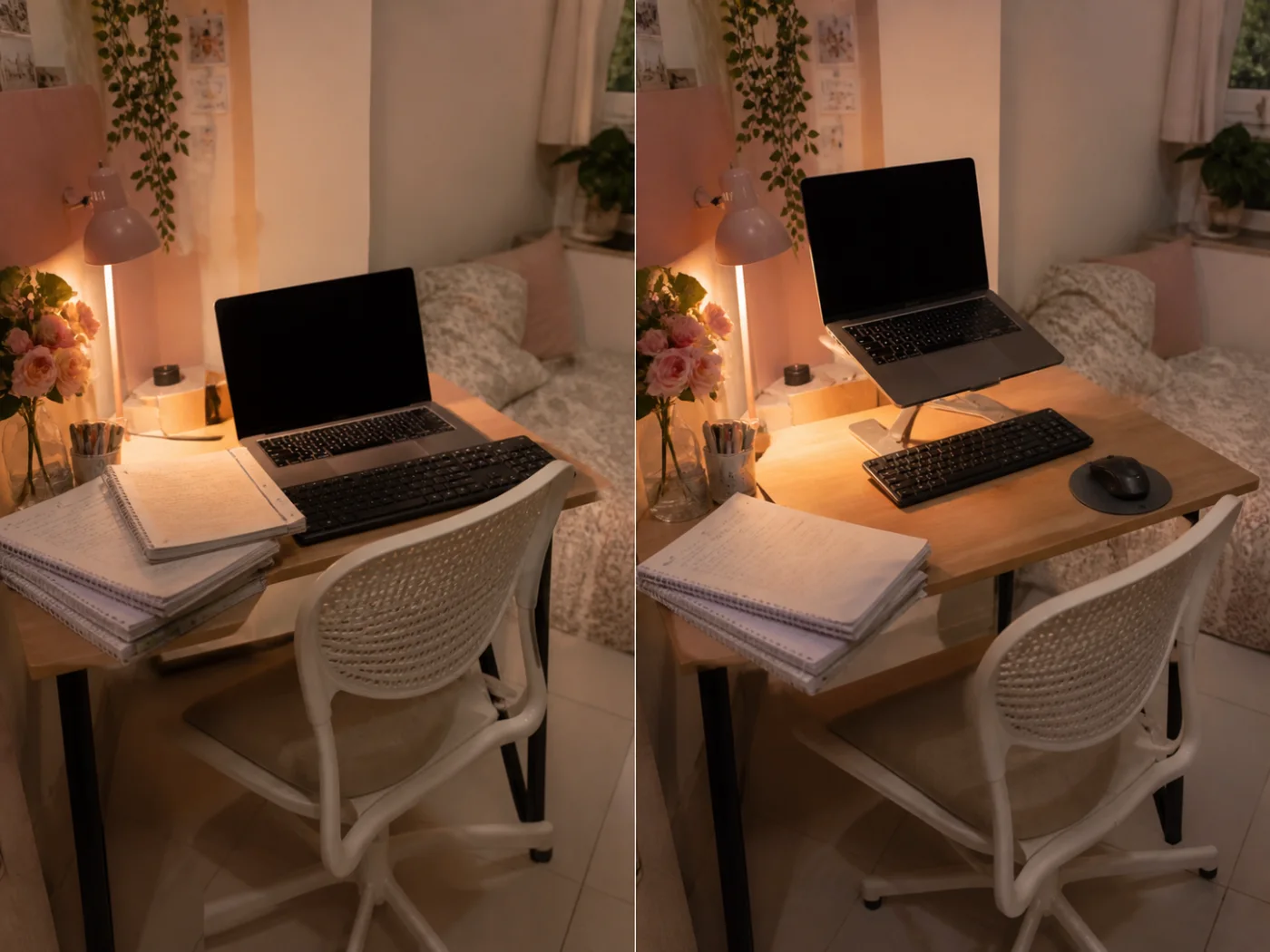
Compact Indian student study desk
Audit 001

Student

Before 38After 76
Problem
Low laptop and blocked mouse space
Fix
Raised screen, compact board, clear mat zone

A shared bedroom desk handled lectures, assignments, and meals, so the laptop stayed low and notebooks pushed the mouse outward. Raising the screen on a stand created storage underneath. Moving to Sutraboard shortened the mouse reach, while a defined FocusPad zone made resetting faster. The student now changes position between classes and clears the surface nightly, improving comfort without replacing the existing table or chair.

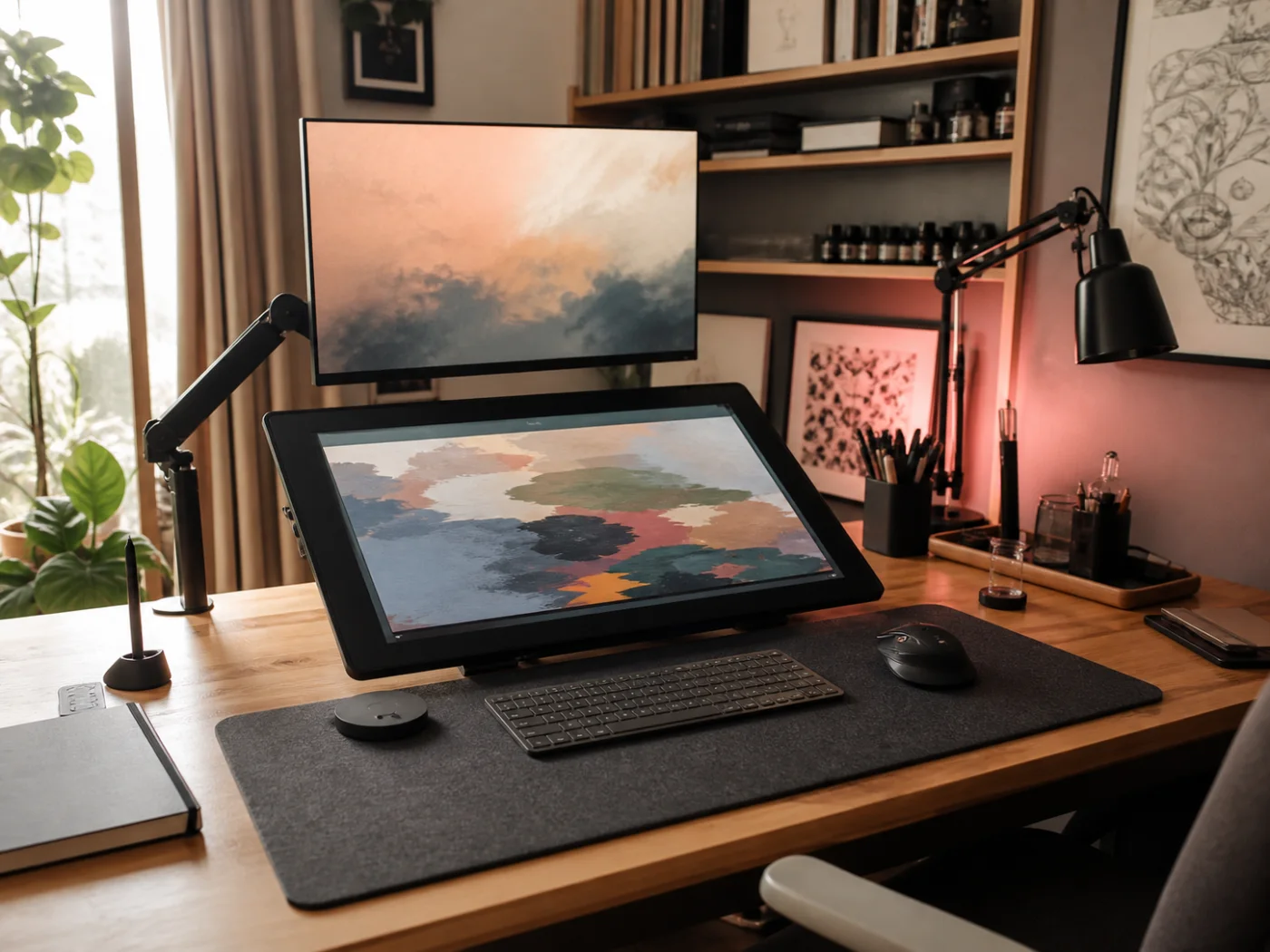
Organized Indian designer home studio
Audit 014

Designer

Before 52After 84
Problem
Long mouse reach beside drawing display
Fix
Closer mouse, wide mat, centered shortcuts

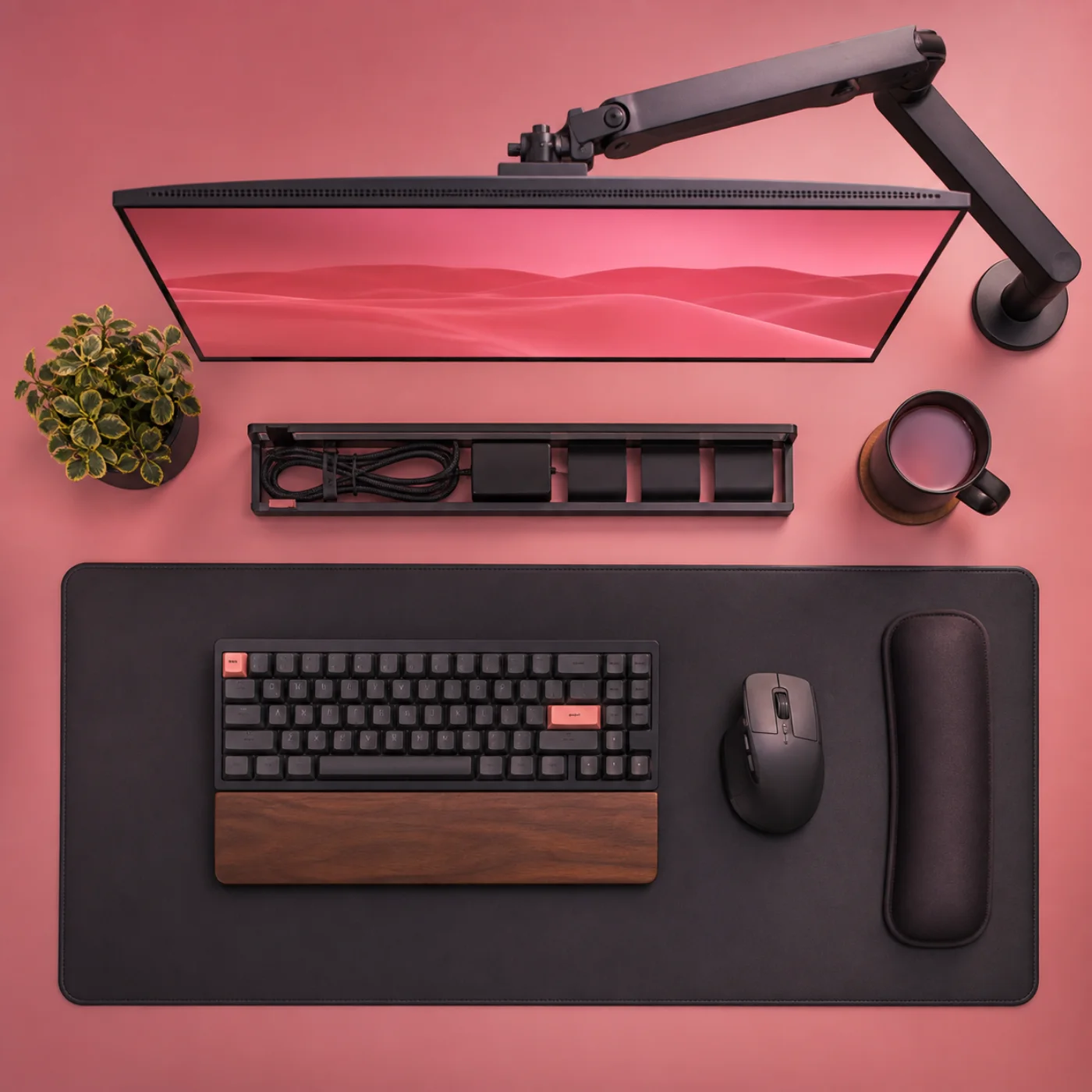
A pen display occupied most of this designer’s desk, leaving the mouse beyond a comfortable reach and the keyboard angled toward one side. A wide FocusPad established one stable work zone, while GripLite moved directly beside a compact keyboard. The display arm freed depth for sketchbooks. Alternating pen, mouse, and shortcut tasks now feels smoother, with fewer long reaches during client revisions and export sessions.

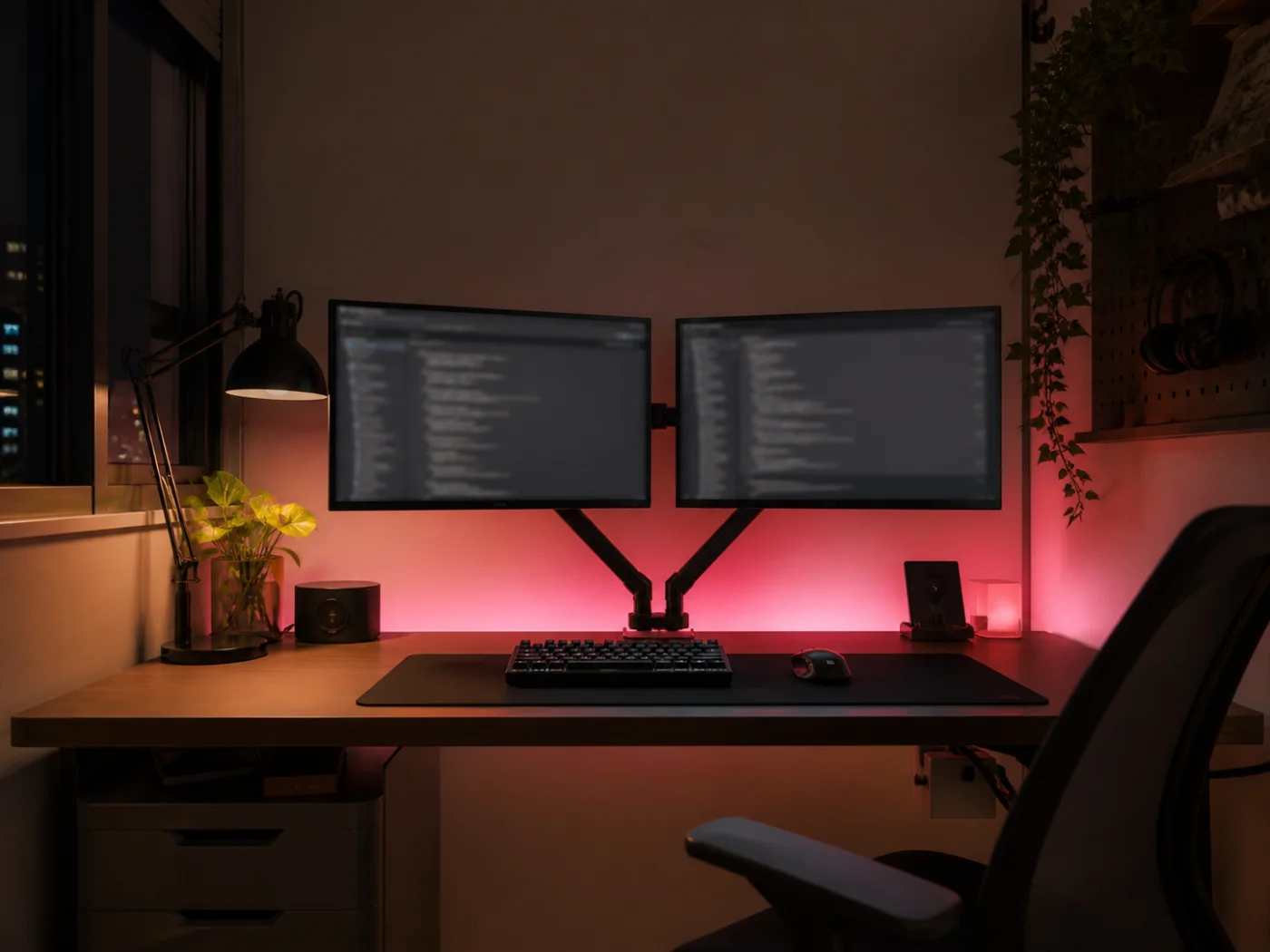
Dark ergonomic Indian developer workspace
Audit 027

Developer

Before 46After 88
Problem
Mismatched screens and cable obstruction
Fix
Aligned monitors and routed connections

Two monitors sat at different heights, and charging cables crossed the mouse area whenever this developer switched between office and personal laptops. Matching RiseArm positions brought both screens into one visual line. Routing cables behind the arms cleared the surface, and centering Sutraboard reduced rotation. Scheduled standing calls and shutdown resets now introduce movement while preserving the same reliable layout for long focused coding blocks.

Comfort recommendationKit noted

Your recommendation is ready.